
Applied to C298 Camera;
Step 1 Log in zosi smart app account and go to check the C298 camera,hit the setting.
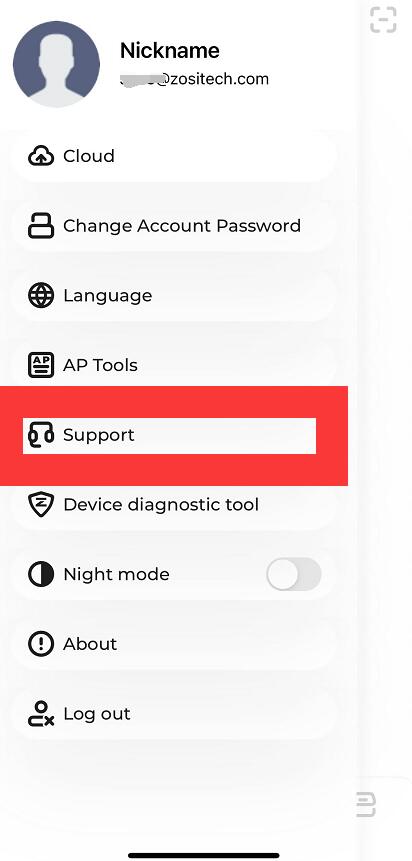
Step 2 Choose the cloud button.
Step 3 Choose the corresponding channel to playback.
Step 4 Back to the playback screen,choose what time you want to playback.
Please note that you have enabled the cloud storage function.
More questions, please feel free to contact us.
Support Email address: support@zosisecurity.com
Our Facebook: https://www.facebook.com/ZOSIOfficial
Whatsapp:+1-866-841-6932
Zosi Smart APP:
Comments
0 comments
Please sign in to leave a comment.