
Applied to:All Poe systems;
Questions: How to fix If my cameras work fine during the day but disconnect at night.
Step 1 Check your box's ports if some of them are broken.
Step 2 Check if the working network cable to connect to these "stop work at night" cameras to find out if it is the network cable's problem.
Step 3 If the network cables &ports are working well,Please use your hands to cover the lens of the camera to check whether the infrared lights of the camera were lit. Well,it is come on.
Like this:
Step 4 Right hit the mouse,go to the main menu-ipc config-search,Delete the "unworking" cameras' IP address, search them again, re-add,to see if they can work or not.
Step 5 Go to check the box's version information.And contact our agents to get a upgrade file to try it.

Step 6 If it is the latest version of your poe ,you can try to order the
PoE Splitter or use the appropriate power cord connect to the "unworking " cameras to check it .
If these cant help you,
Please provide these informations and email to our customer services.
Support Email address: support@zosisecurity.com
Our Facebook: https://www.facebook.com/ZOSIOfficial
Whatsapp:+1-866-841-6932
Our Facebook: https://www.facebook.com/ZOSIOfficial
Whatsapp:+1-866-841-6932
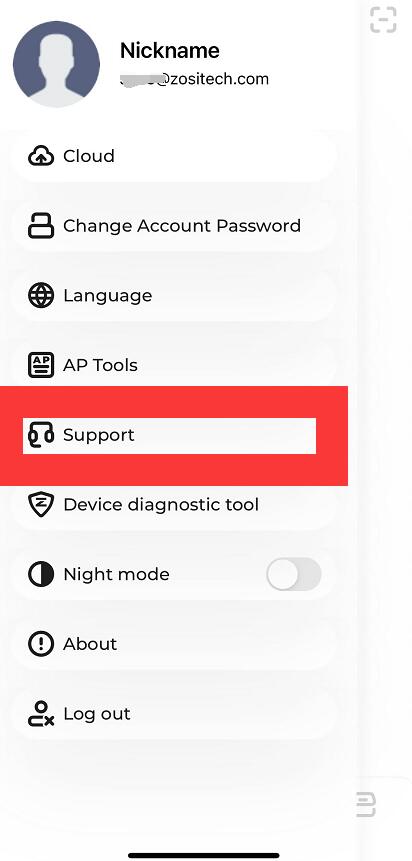
Zosi Smart APP:
Comments
0 comments
Please sign in to leave a comment.